QR Menus for Hotels and Resorts: The Complete Guide
Hotels have unique digital menu needs: multiple venues, multilingual guests, room service. Here's how to handle them all.
Why Hotels Need a Different Approach
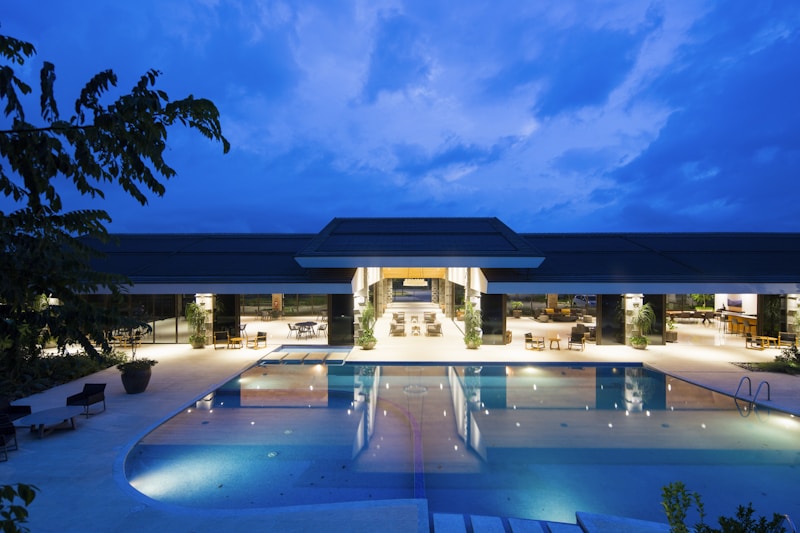
A standalone restaurant has one menu. A hotel might have a main restaurant, a pool bar, a lobby café, a rooftop terrace, and room service, each with a different menu, different hours, and guests who may speak any language in the world.
A generic QR menu tool handles one menu. doXmenu handles all of them from a single admin panel.
Multiple Venues, One Platform
Set up a separate digital menu for each hotel venue, and a unique QR code for each location. Guests at the pool get the pool bar menu. Guests in the room get the room service menu. Each menu is independently managed but all controlled from one account.
Multilingual Guests
International hotel guests speak dozens of languages. doXmenu supports menus in multiple languages simultaneously. Guests see the menu in their preferred language automatically, or switch with a single tap.
Room Service QR Codes
Print a doXmenu QR code on a card in every room. Guests scan and browse the room service menu, see photos of every dish, read descriptions in their language, and use the call button to request service, all without calling the front desk.
Allergen and Dietary Information
Hotel guests are often health-conscious international travellers with specific dietary needs. Having clear allergen and dietary labels (vegan, gluten-free, halal) in multiple languages removes a major barrier and reduces pressure on staff to memorise every dish's ingredients.
Spa and Pool Bar Menus
Laminated printed menus at the pool get wet, torn, and stolen. A QR code on the umbrella stand or sunbed never deteriorates and can be updated instantly, add a new cocktail to the summer menu in 30 seconds.
doXmenu is used by hotels and resorts across the region. Start your free trial and see how it fits your property.